Hi there,
Hope you had a nice summer! We've been hard at work and we'd like to share some exciting updates with you. Let's start with the biggest one!
✨ An AI Feature You'll Actually Use
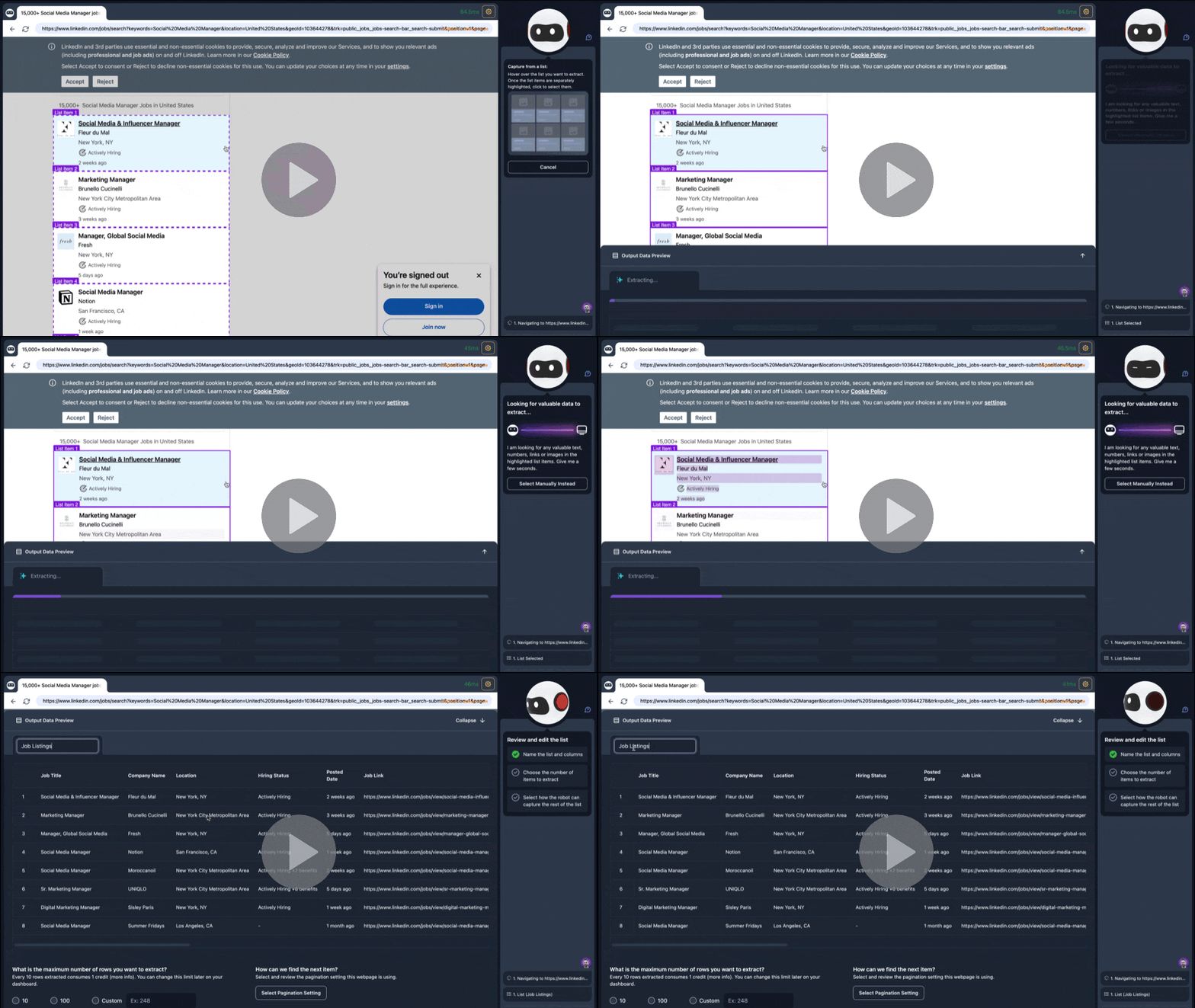
All Browse AI users now have access to AI recommendations in Robot Studio.
What does that mean?
Instead of selecting and labeling the data fields you want, the AI in Robot Studio will do it for you.
Simply select the list and your robot will intelligently choose the relevant data points, label them appropriately, and name your list.
Browse AI was already one of the easiest web scraping solutions on the market (according to G2's audience – see below), and we've taken it up a notch. Next time you use Robot Studio, give this magical feature a try!
|
|
|
⤴️ Import CSV Into Tables → Bulk-Run Your Robot 50,000 Times
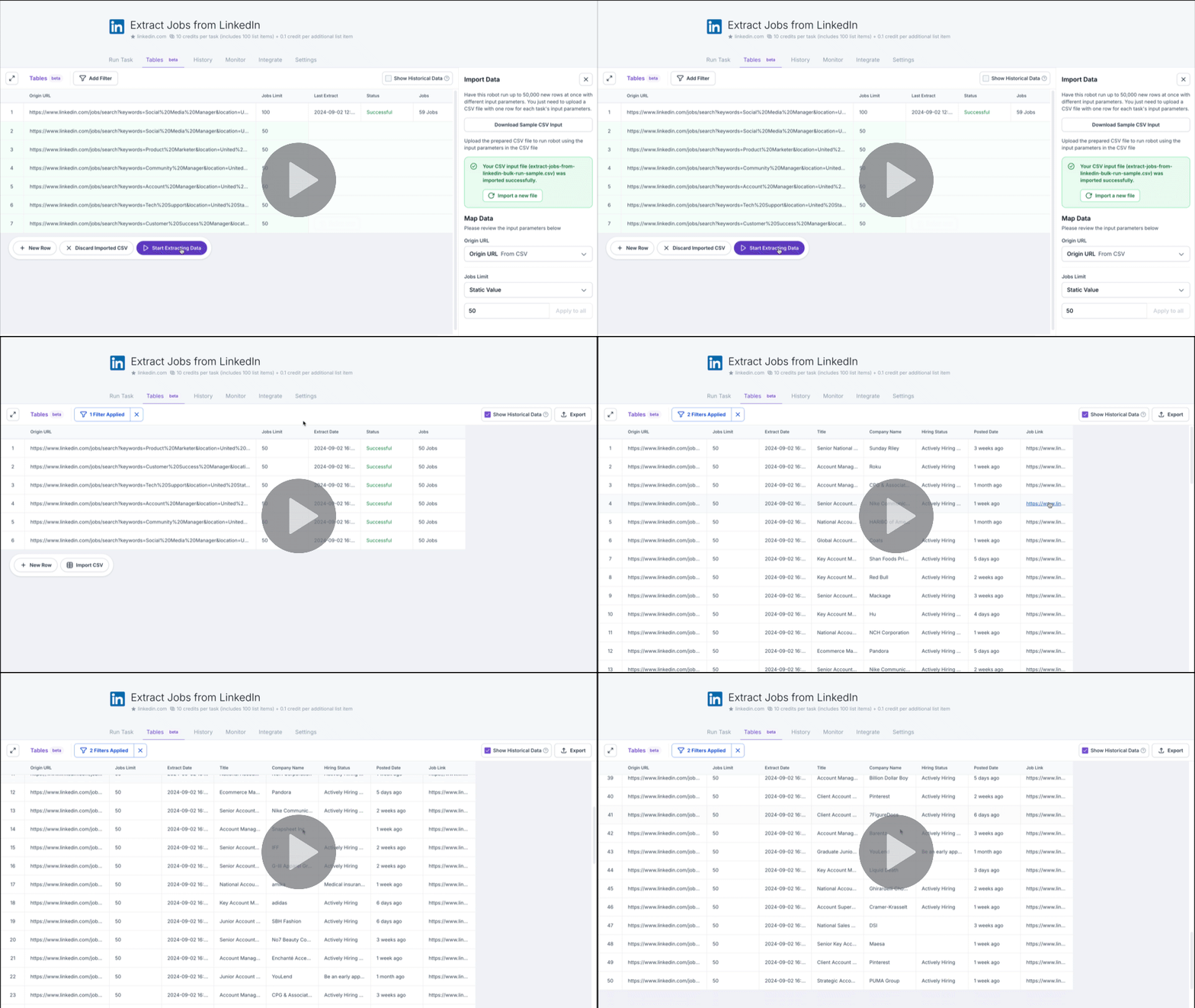
While Browse AI already enabled users to do bulk runs by uploading a CSV, it's now possible to do this within the robot's data table directly. In the same place that you view your output data, you can now import the URLs and other input parameters.
How does it work? See for yourself:
|
|
|
🦾 Get Started Faster With One of Our 200+ Prebuilt Robots
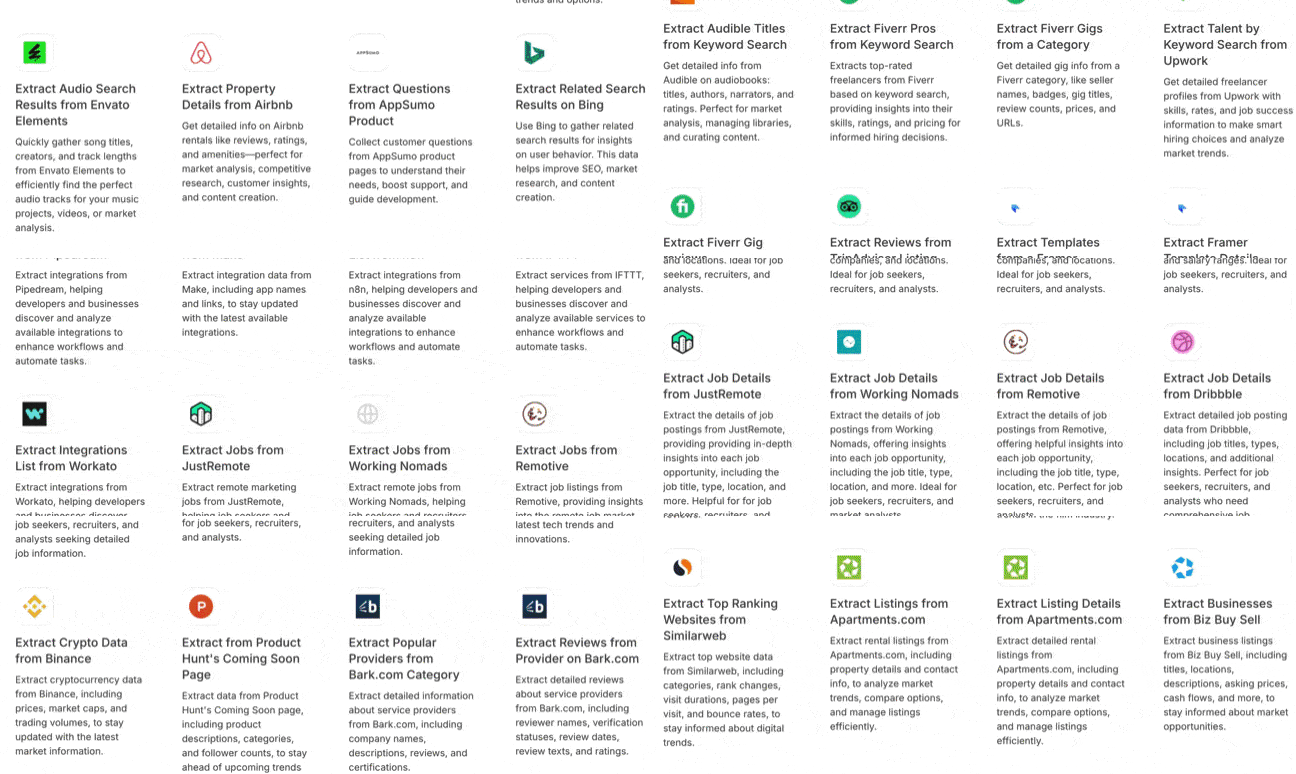
In the past 2 months we've created 40 prebuilt robots, bringing our grand total to over 200! We try to build these robots based on websites our users are scraping, to make it even easier to get started. We do the heavy lifting, clean up the data output, and all you have to do is provide a couple of pieces of information, like a URL or search keyword 🙂 |
|
|
🔐 Scrape Websites That Require a Login, Using Robot Studio
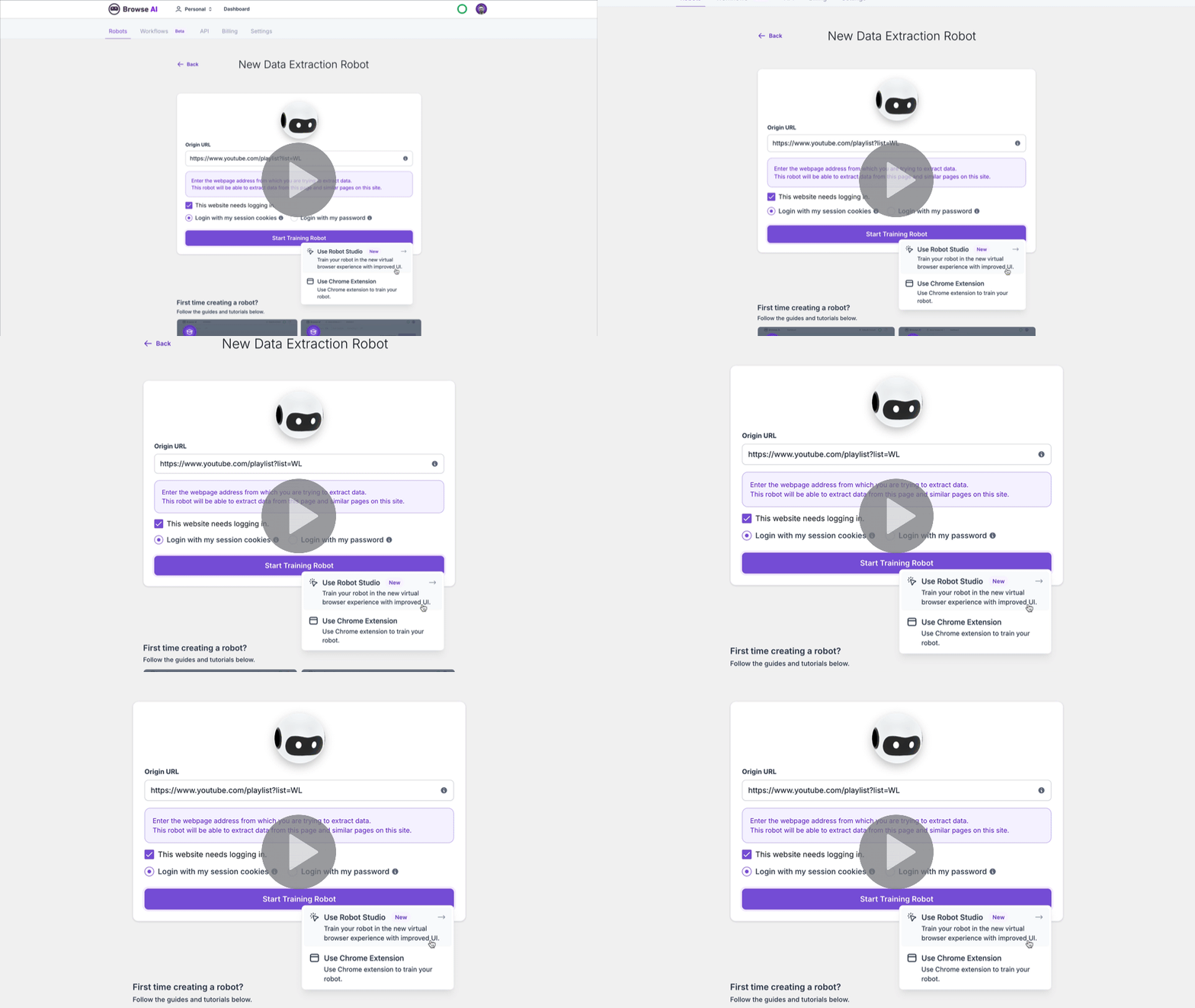
The original Browse AI Chrome extension enabled users to scrape websites even if they required a login, but until now Robot Studio did not have that capability. The updated extension (available here) gives Robot Studio that same ability, via session cookies or username/password. |
|
|
🔗 Check out the installation and usage instructions in this video. |
|
|
📃 We've Made Pagination More Clear in Robot StudioThis is a quality of life improvement and many of you won't even have noticed it, but to those who wanted a better way to identify the pagination method being used on websites, we've got good news!We've implemented a more user-friendly and visual way to show your robot how to get more data (by scrolling down, clicking a "next" button, clicking on "load more", etc).🔗 It's a little nerdy so we created a quick tutorial video about it. 🏆 G2 Summer Badges: Easiest Setup, Momentum Leader, and More
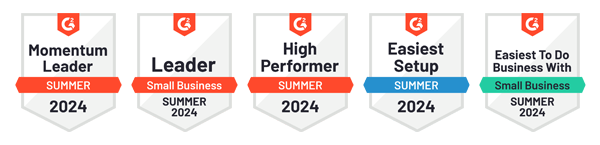
G2 enables consumers to compare the best business software and services based on user ratings and social data. They award badges each quarter based on the platform's market reports – leaders and high performers within each category are automatically awarded.
Here's how we did for Summer 2024 in the Data Extraction category:
|
🔮 Coming Soon to Browse AI
Here's a brief look at what's coming to Browse AI in the next few months: - Set up Bulk Monitoring in Tables
- Improved Robot Reliability
- Invite Team Members to Any Workspace
- Better Bypassing of Bot Detection
- Easier Deep Scraping Setup
With ❤️ from the Browse AI Team |
|
|
|